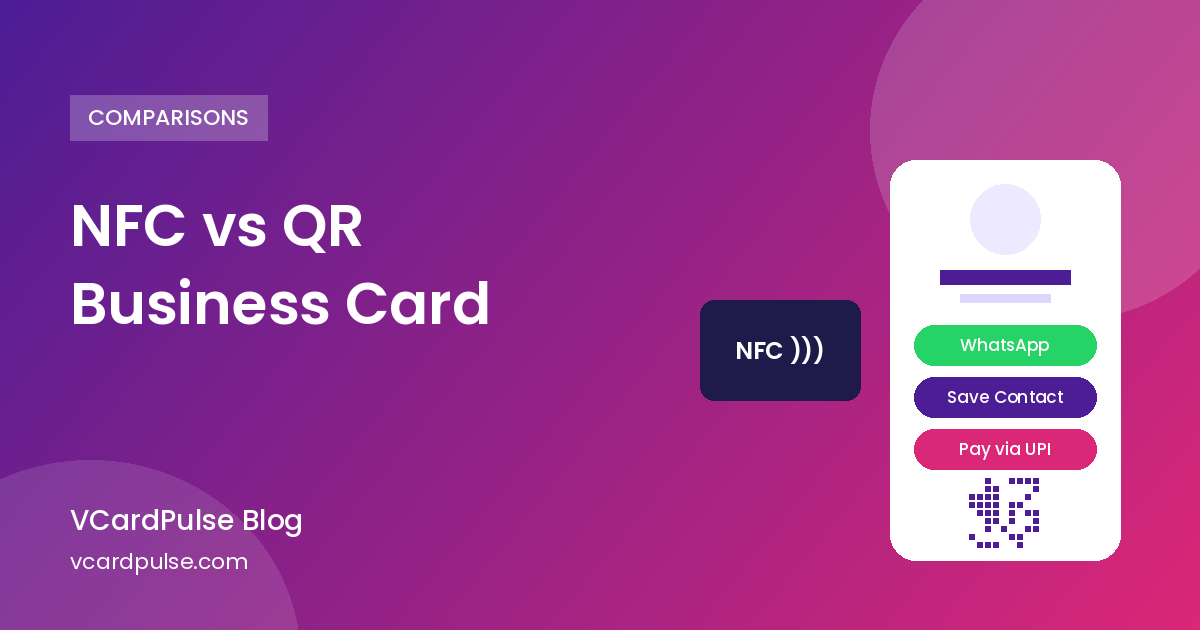
If you've looked into digital business cards, you've probably seen two terms everywhere: NFC cards you tap on a phone, and QR code cards that people scan. Both share your contact details without paper. Both look modern. But they work differently, cost differently and suit different people.
Here's a plain-English comparison to help you choose, and why for many Indian small businesses the answer is "QR first, NFC optional".
How an NFC business card works
NFC (Near Field Communication) is the same short-range wireless tech used for tap-to-pay. An NFC business card has a tiny chip inside a plastic, metal or wooden card. The chip stores a link, usually to your online profile.
When someone holds their phone near the card, the phone reads the link and opens your profile. No camera or app is needed, as long as the phone supports NFC and has it switched on.
What you need: a physical NFC card or tag (bought from an NFC card seller) and a profile page for it to point to.
How a QR code business card works
A QR code card uses a printed square code. The other person opens their phone camera, points it at the code, and taps the link that pops up. That link opens your digital card, a mobile page with your details and buttons.
What you need: a digital card with its own QR code. You can print that QR anywhere: on a paper visiting card, a counter standee, a flyer, a product box, even a screen.
NFC vs QR: side-by-side
Phone compatibility
- QR: Almost every smartphone camera can scan a QR code today. Scanning is a habit in India thanks to UPI.
- NFC: Many newer phones support it, but not all. On some Android phones NFC is turned off by default. iPhones read NFC tags, but the tag has to be held near the right spot.
Cost
- QR: The QR itself costs nothing. You print it on whatever you already use.
- NFC: You buy a physical card or tag for each person, and premium metal cards cost more. Lose it and you buy another.
Sharing at a distance
- QR: Works across a table, from a standee, on a poster, or inside a WhatsApp image.
- NFC: Works only at a few centimetres. Great for a handshake moment, useless for a shop window or a social post.
Sharing online
Neither the chip nor the printed code helps on WhatsApp. The link does. This is why the profile behind the card matters more than the card itself. With a VCardPulse card, you paste your link in any chat, and the person gets one-tap Call, WhatsApp, Save Contact and more.
Updating details
Both NFC and QR usually point to a link. If that link opens a page you can edit, you never need a new card. With VCardPulse, you can edit anytime and the link and QR code stay the same.
The "wow" factor
NFC wins here. Tapping a sleek card on someone's phone at an event feels premium. QR is familiar, which is good for getting people to use it but less of a talking point.
Which is better for you?
Choose QR first if:
- You run a shop, clinic, salon, café or service business where customers come to you
- You want one code on your counter, invoices, packaging and WhatsApp
- You want low cost and something every phone can open
- You want features like UPI payments or Google reviews on the same page
Add NFC if:
- You go to lots of networking events, trade fairs or client meetings
- A premium physical card matters for your brand
- You're happy to buy and carry a physical card
Most people don't need to choose. The smart setup is a digital card with a QR code as your base, plus an NFC tag only if you want the tap experience.
Using a QR digital card alongside NFC
VCardPulse doesn't sell NFC cards. It gives you the thing NFC cards point to: a live digital business card with a permanent link and QR code. If you already own a blank or rewritable NFC tag, you can usually write any web link to it with a free NFC writing app. Point it at your VCardPulse card link (for example vcardpulse.com/c/your-name) and the tap opens the same card your QR does.
That gives you:
- One profile for tap, scan and WhatsApp
- One place to edit your details
- No lock-in to a particular card seller's profile
Check with your NFC tag's seller whether it can be rewritten before you buy.
What your digital card should include
Whether people tap or scan, the page they land on should do the real work. A VCardPulse card includes:
- Call, WhatsApp, email and Google Maps buttons
- Save Contact (.vcf) for Android and iPhone
- Photo, logo, About section and social links
- A PDF catalogue or brochure up to 10 MB
- A "Pay via UPI" button and UPI QR
- An optional "Review us on Google" button
- Themes and a custom link
- AI to scan your old paper card, write your bio and suggest a theme
It's free for the first month, then ₹70/month per card.
Quick tips for printing your QR
- Print it at least 2–3 cm wide on cards, and bigger on standees.
- Keep good contrast: a dark code on a light background.
- Add a short line like "Scan to save my contact".
- Test with two or three different phones before a big print run.
Need a QR for something else, like WiFi or UPI? Try the free QR code generator.
Further reading
Frequently asked questions
Is NFC better than a QR code for business cards?
NFC feels more premium in person. QR works on more phones, costs nothing extra and works from a distance and in print. Many people use QR as the base and add NFC for events.
Does VCardPulse sell NFC cards?
No. VCardPulse makes QR-based digital business cards. You can write your card link to an NFC tag you buy elsewhere, so tap and scan both open the same card.
Do all phones support NFC?
Not all. Many newer phones do, but NFC may be switched off. Almost every smartphone camera can scan a QR code.
If I change my number, do I need a new card?
Not with VCardPulse. Edit your details and the link and QR stay the same, so any NFC tag pointing to that link stays up to date too.
Can I share an NFC card on WhatsApp?
You share the link, not the chip. With a VCardPulse card, you paste your card link into any chat.